Overview
Amrev Photo Recovery Software for Windows helps recover deleted, lost, or formatted photos, videos, and audio files from memory cards, cameras, USB drives, and hard drives. Designed for both home users and photographers, it features powerful scanning technology, file preview, and an easy-to-use interface for fast and reliable media recovery.
How It Works
Recover deleted photos and media in 3 simple steps
Prominent Features of Photo Recovery Software
Recover multimedia files from common photo loss situations.
Recover Multimedia Files
Restore photos, videos, and audio files from multiple storage devices.
Camera & Card Recovery
Recover images from SD cards, memory cards, digital cameras, and USB drives.
Preview Before Saving
Preview recovered photos before purchasing or saving recovered files.
Formatted Media Recovery
Recover files lost due to formatting, deletion, corruption, or file system errors.
RAW Format Support
Recover standard and professional photo formats used by photographers.
No Technical Skills Needed
A clean recovery workflow helps beginners restore files with confidence.
Photo Recovery Workflow
Follow the simple recovery process from selection to save.
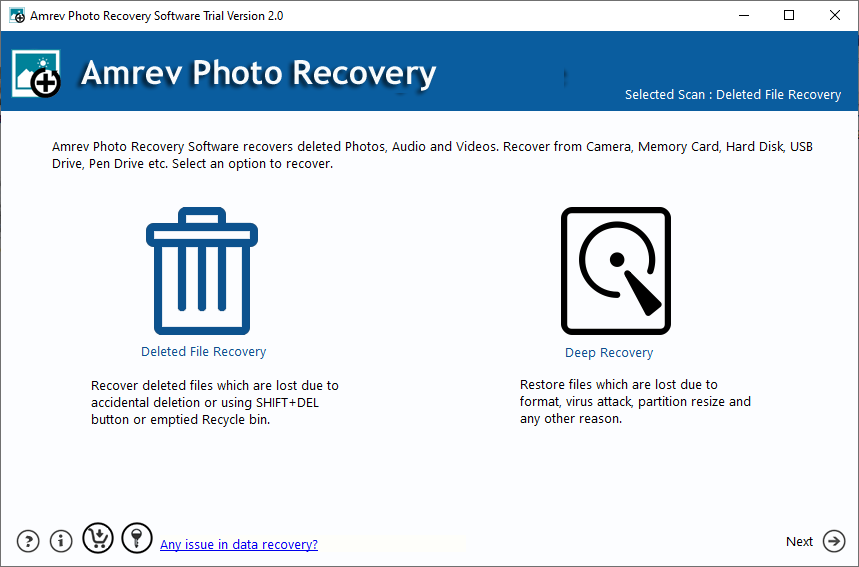
Select Source
Choose the drive, card, or storage device to scan.
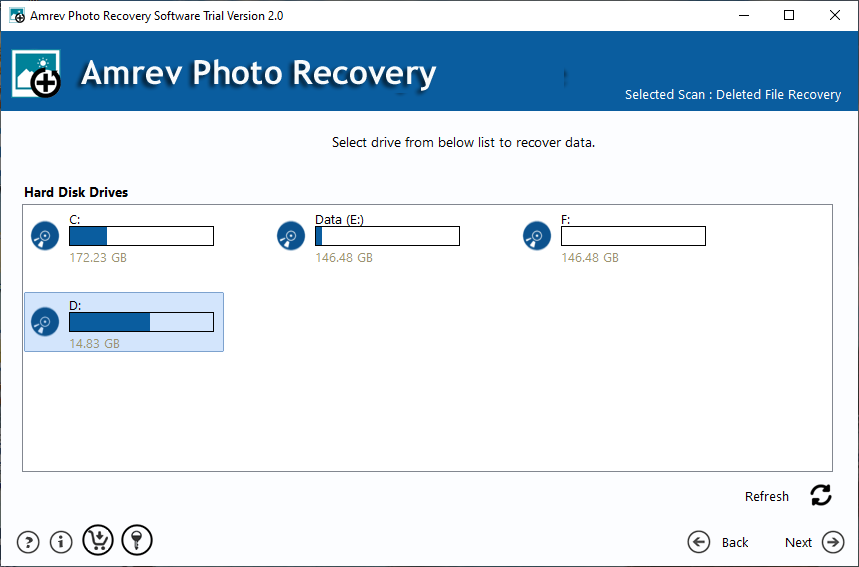
Scan Media
Run the scan to find deleted photos, videos, and audio files.
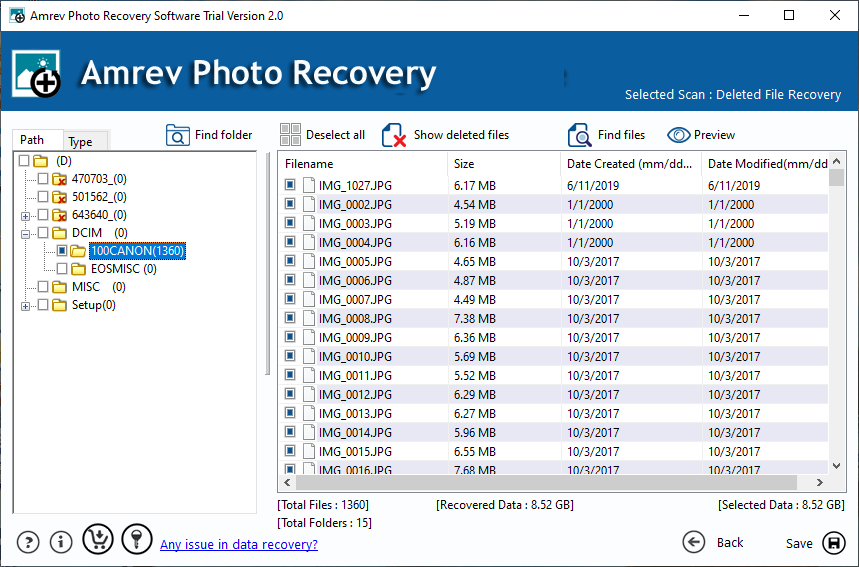
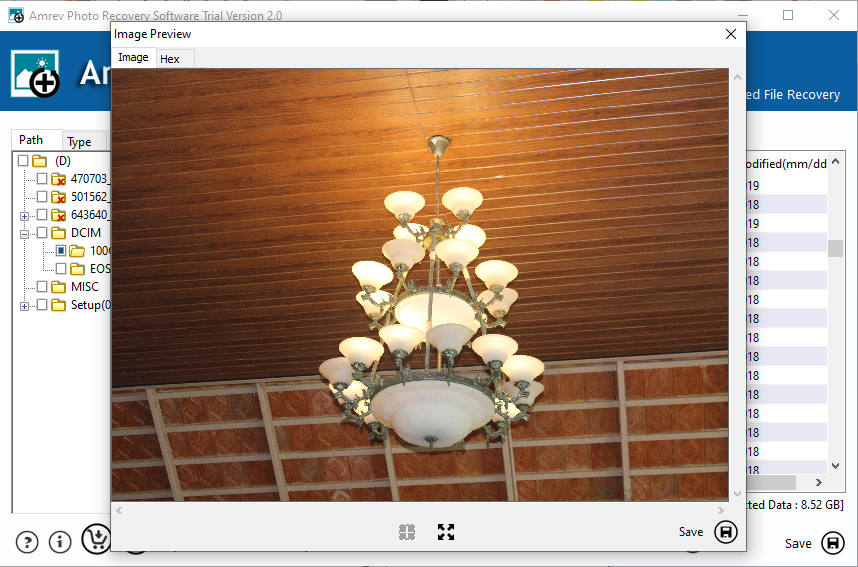
Preview Results
Preview recoverable photos before saving.
Save Files
Save recovered media to a safe destination.
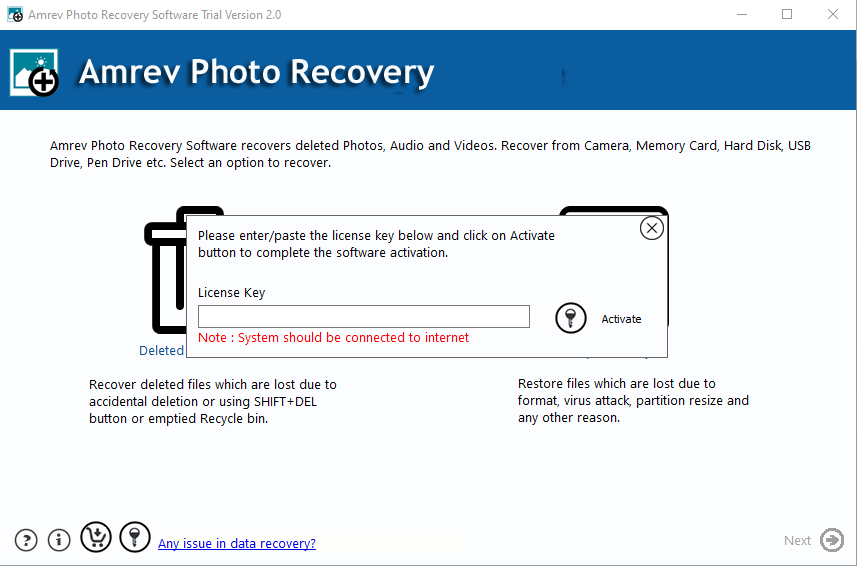
Activate the Full Version
After purchase, enter the license key in the activation window to unlock saving and full recovery features.
- Purchase securely online
- Receive your license key by email
- Activate the trial without reinstalling
How to Recover Deleted Photos
Watch the recovery workflow before you start.
Frequently Asked Questions
Quick answers before you download or buy.
Photo Recovery Guides
Step-by-step tutorials for recovering deleted, formatted, and permanently lost photos.