Professional Photo Recovery Software for Windows
Recover high-quality RAW images from DSLR and mirrorless cameras including Canon, Nikon, and Sony using professional DSLR photo recovery software for Windows.
Looking for professional photo recovery software for Windows? If you have lost high-quality images from DSLR or mirrorless cameras, recovering them requires advanced tools that support RAW formats like CR2, NEF, ARW, and more.
Whether your photos were deleted accidentally, lost due to formatting, or affected by corruption, professional recovery software can restore RAW images with high accuracy.
Why You Need Professional Photo Recovery Software
Standard recovery tools may fail to recover high-resolution RAW images. These files are larger and require advanced scanning algorithms for successful recovery.
Supports RAW Image Recovery from DSLR and Mirrorless Cameras
- Canon: CRW, CR2, CR3
- Nikon: NEF, NRW
- Sony: ARW, SR2
- Generic RAW: RAW, DNG
These formats store uncompressed image data, making them essential for professional photography. The software ensures accurate recovery without quality loss.
Professional Photo Recovery Software for Windows
Amrev Photo Recovery Software is designed to recover deleted RAW images from hard drives, SD cards, USB drives, and memory cards using advanced deep scan technology.
Key Features
- Recover RAW images from Canon, Nikon, Sony cameras
- Supports CR2, NEF, ARW, DNG formats
- Deep scan for permanently deleted photos
- Preview RAW images before recovery
- Works on Windows 11 and Windows 10
- Safe and read-only recovery process
Free Trial with Preview Option
The software offers a free trial that allows you to scan your device and preview recoverable RAW images before purchasing.
Recover high-quality RAW photos with professional-grade accuracy.
✔ Supports Windows 11/10 | ✔ Preview before recovery | ✔ Safe & secure
Recover your RAW photos before they are permanently overwritten.
Trusted by thousands of photographers worldwide.
How to Recover RAW Photos on Windows
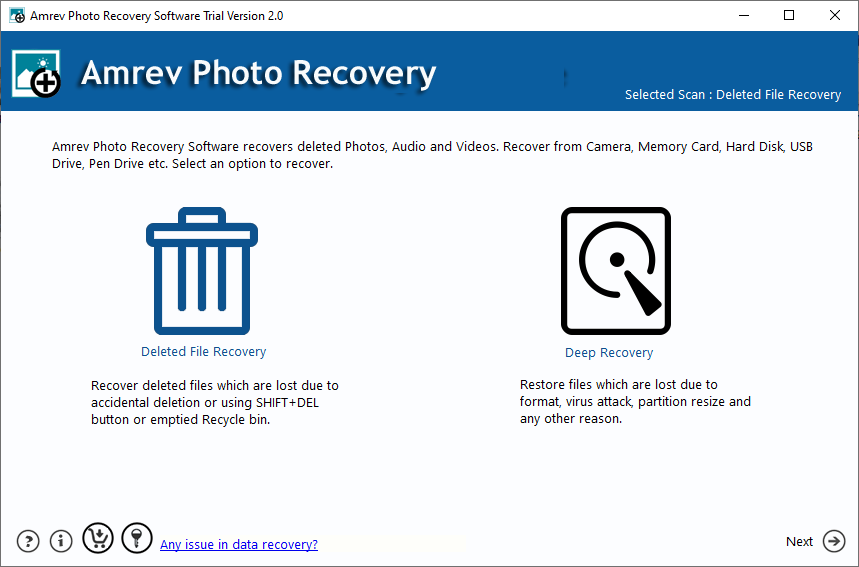
Step 1: Download and Install
Install the software. Avoid installing it on the same drive where data was lost.
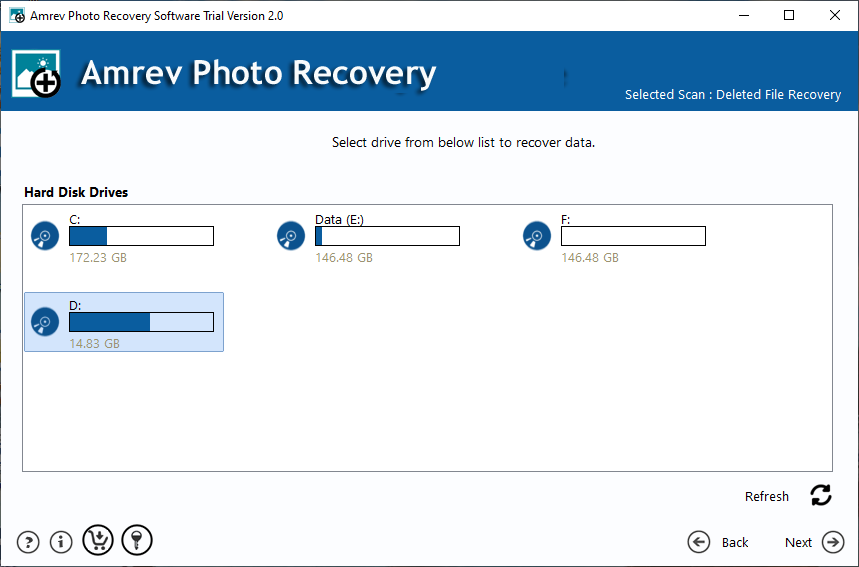
Step 2: Select the Drive
Select the drive containing lost RAW images.
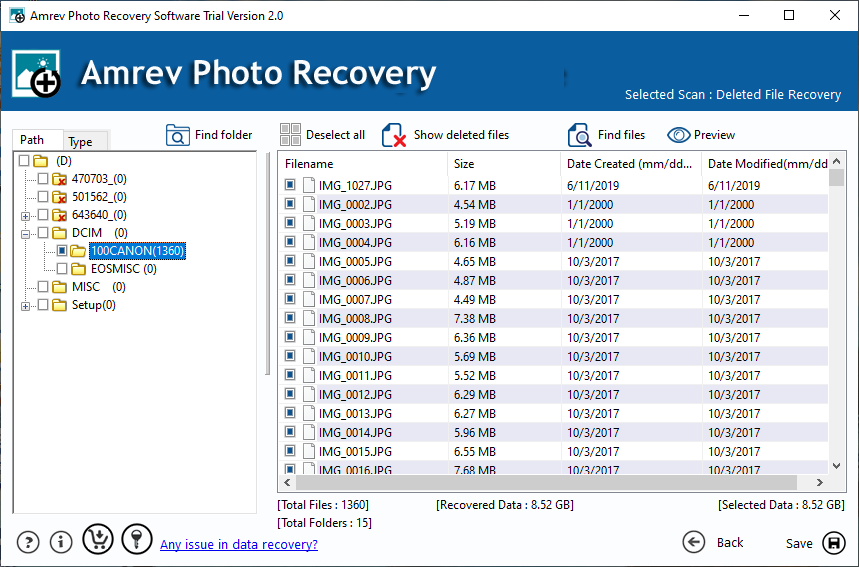
Step 3: Scan the Drive
Run a deep scan to locate RAW files.
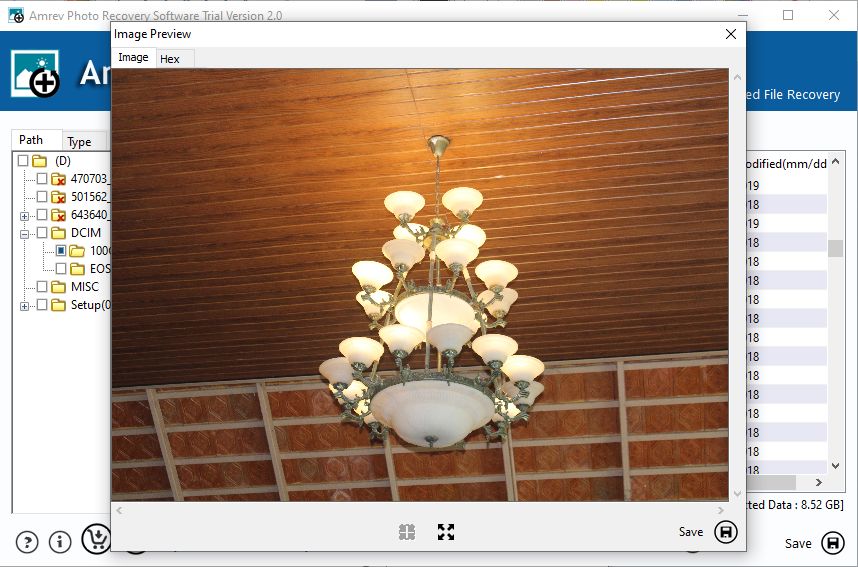
Step 4: Preview and Recover
Preview and save recovered photos to a different location.
Tips to Increase Recovery Success
- Stop using the device immediately
- Avoid overwriting deleted files
- Use reliable recovery software
- Save recovered files to another drive
Frequently Asked Questions
Can RAW photos be recovered after deletion?
Yes, if they are not overwritten.
Does it support Canon, Nikon, Sony?
Yes, CR2, NEF, ARW and other formats are supported.
Can I preview RAW images?
Yes, preview is available before recovery.
Is RAW recovery safe?
Yes, it is read-only and secure.