
Overview
Amrev Thunderbird Email Recovery Software helps recover deleted, lost, and inaccessible emails from Thunderbird profiles and mailbox files.
The software scans Thunderbird data folders, selected drives, and email databases to restore emails while preserving attachments, folder structure, and mailbox organization wherever possible.
How It Works
Recover Thunderbird emails in 3 simple steps
Prominent Features of Thunderbird Email Recovery
Recover Thunderbird mail data from profiles, drives, and damaged email databases.
Profile Email Recovery
Recover deleted emails directly from Thunderbird profiles while preserving mailbox structure.
Drive-Based Recovery
Scan hard drives, SSDs, and storage devices to locate and recover lost Thunderbird emails.
Attachment Recovery
Recover emails along with attachments while maintaining folder hierarchy and organization.
Email Preview
Preview recoverable emails before saving to verify recovery results.
Corrupted Mailbox Recovery
Recover emails from damaged, inaccessible, or corrupted Thunderbird mailbox files.
One-Click Saving
Save selected recovered emails quickly and easily in a single operation.
Thunderbird Recovery Workflow
Start recovery, select the Thunderbird profile, and preview recovered emails.
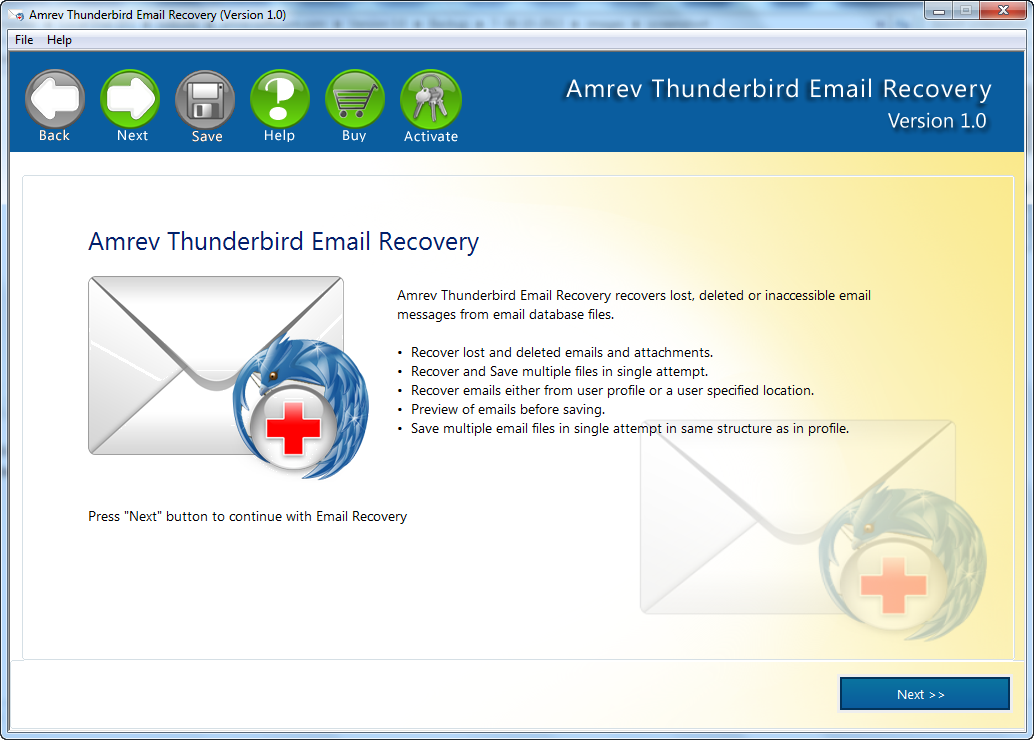
Start Recovery
Launch the software and choose how you want to recover Thunderbird email data.
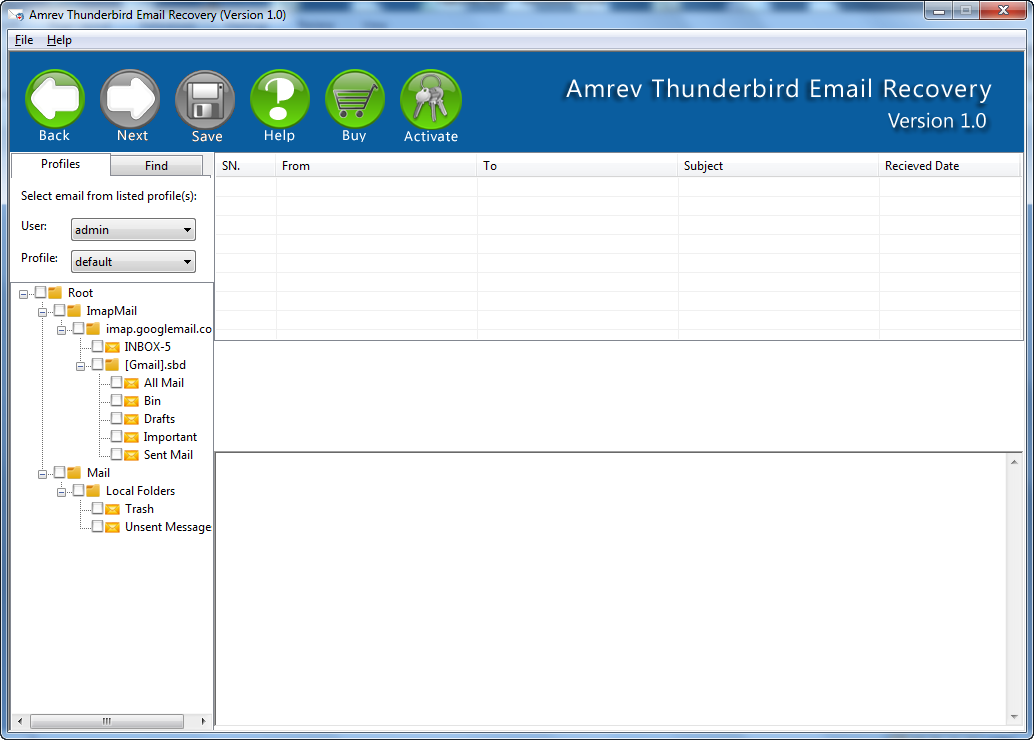
Select Profile
Choose the Thunderbird profile or email source that should be scanned.
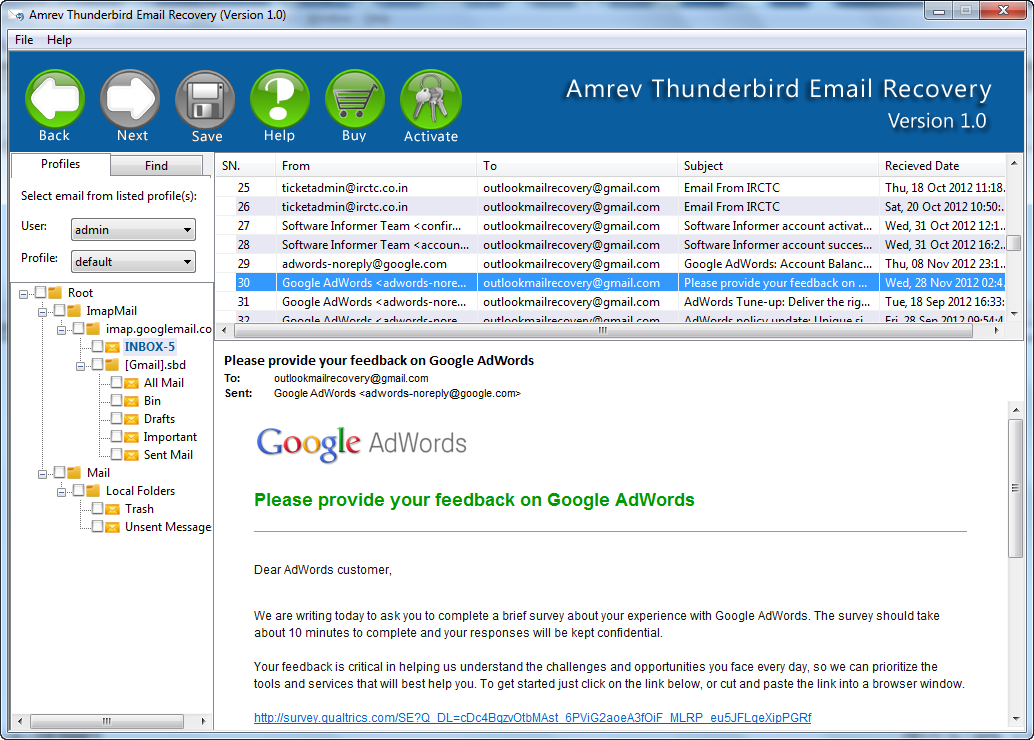
Preview Emails
Preview recovered Thunderbird messages before saving with the full version.
How to Activate the Full Version
Convert your trial to full version instantly using your license key.
The trial version is identical to the full version — only the Save feature is locked. Enter your license key to unlock it instantly.
Requirements
Activation Steps
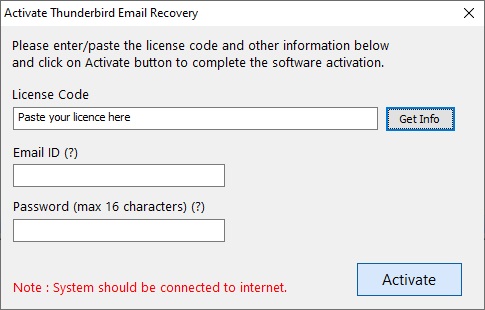
Activation completes instantly with a valid license key.
How to Recover Thunderbird Emails
Watch the profile recovery workflow.
Frequently Asked Questions
Quick answers about Thunderbird profile recovery, drive scanning, attachments, preview, and activation.