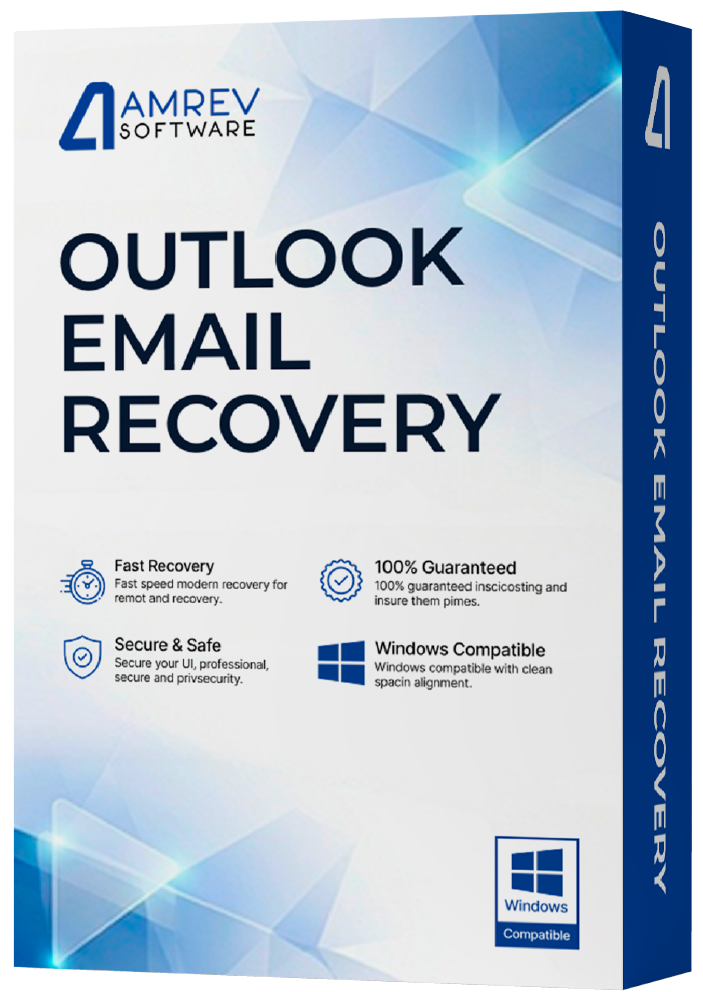
Overview
Amrev Outlook Email Recovery Software helps recover deleted emails, contacts, calendars, notes, tasks, journals, and attachments from Microsoft Outlook PST files.
It can also repair damaged PST files, recover lost Outlook data from storage devices, and preview recoverable mailbox items before saving them, making Outlook recovery simple, fast, and reliable.
How It Works
Recover Outlook mail data in 3 simple steps
Prominent Features of Outlook Email Recovery
Recover and repair Outlook mail data with a safe, guided workflow.
Deleted Email Recovery
Recover accidentally deleted or permanently removed Outlook emails, folders, and mailbox items.
PST File Repair
Repair corrupted, damaged, or inaccessible PST files and restore valuable Outlook data.
Contacts & Calendar Recovery
Recover contacts, calendars, tasks, notes, journals, and email attachments.
Recover Lost PST Files
Restore Outlook PST files from deleted, formatted, or inaccessible drives.
Outlook Password Recovery
Recover passwords from protected Outlook PST files and regain access to your mailbox data.
Preview Before Saving
Preview emails and other Outlook items before saving to verify recovery results.
Outlook Recovery Workflow
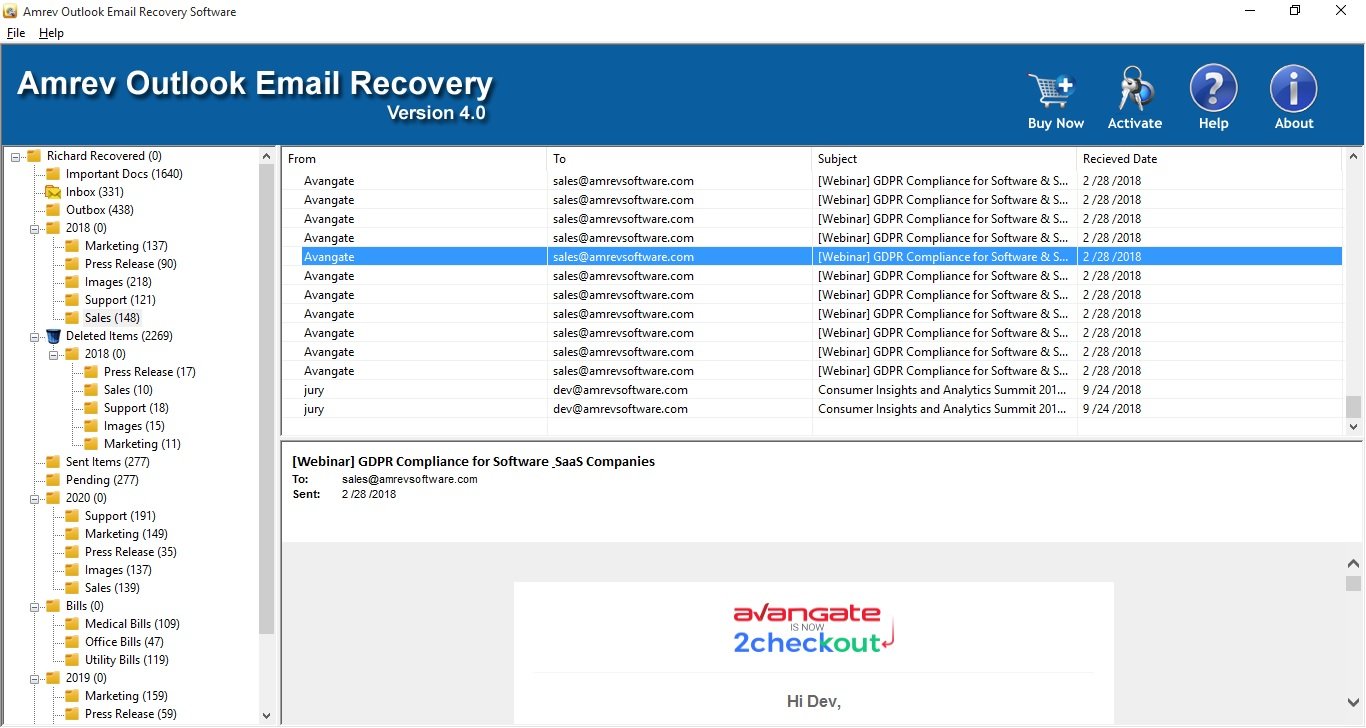
Scan Outlook data, preview mail items, and save recovered content.
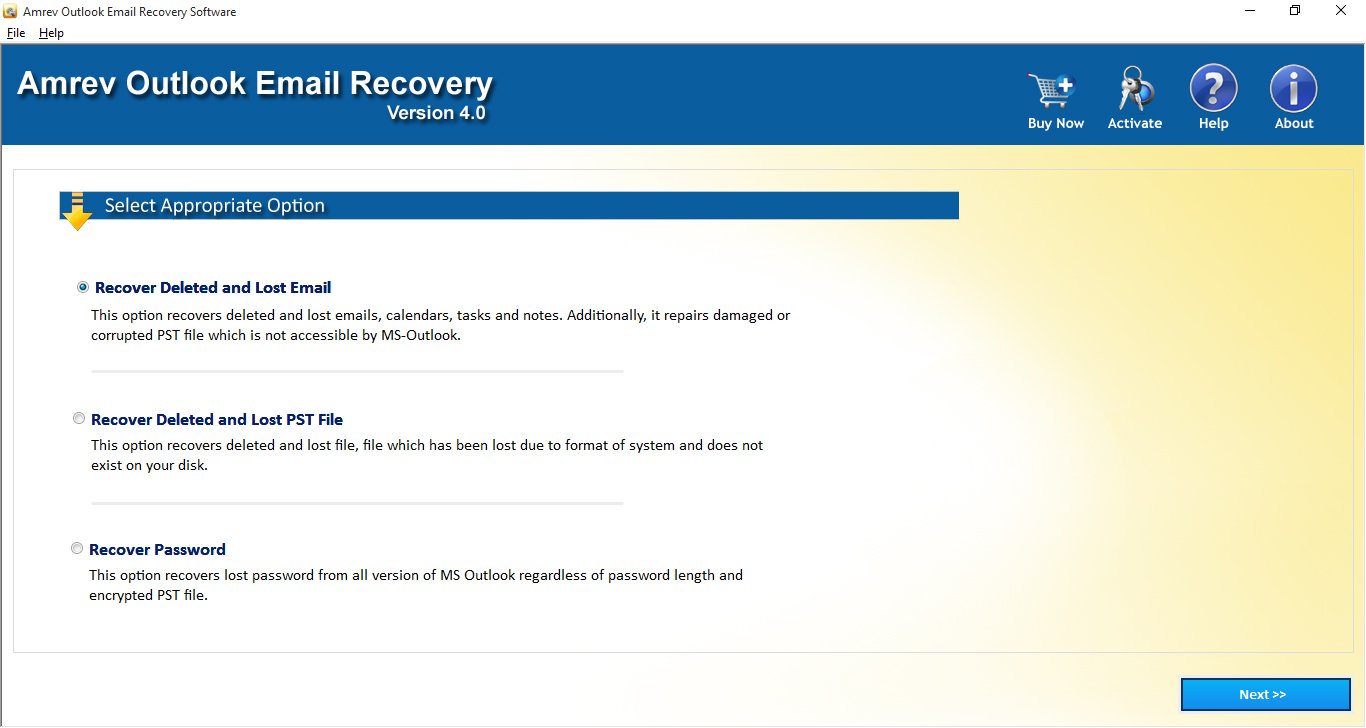
Select Outlook Data
Choose the PST file or recovery source to scan.
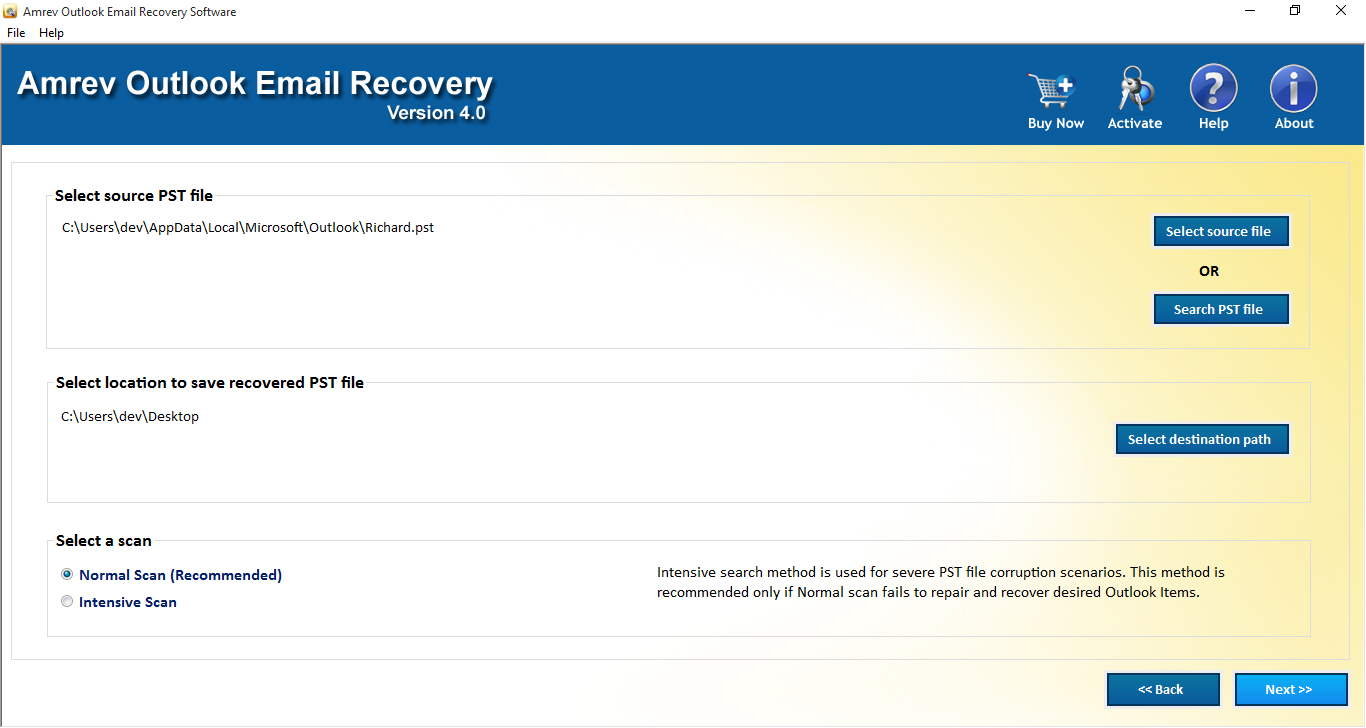
Scan Mail Data
Run a scan to locate recoverable Outlook items.
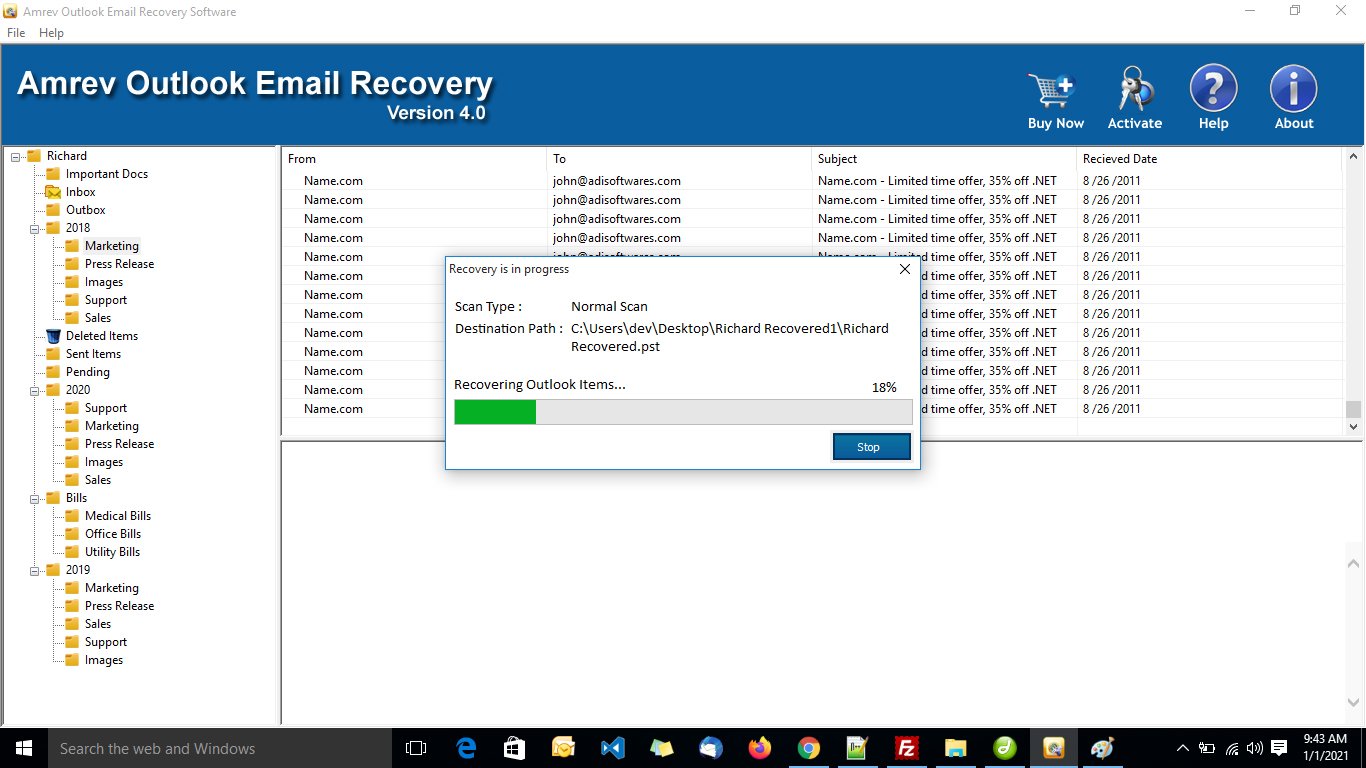
Preview Emails
Preview recovered emails and folders before saving.
Save Results
Save recovered Outlook data to your chosen location.
How to Activate the Full Version
Convert your trial to full version instantly using your license key.
In the trial version, actual email content is replaced with a demo message. Enter your license key to unlock the full version and view recovered emails normally.
Requirements
Activation Steps
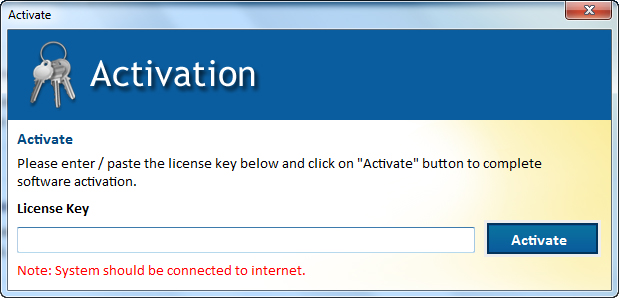
Activation completes instantly with a valid license key.
How to Recover Outlook Emails
Watch the Outlook email recovery workflow.
Frequently Asked Questions
Quick answers about Outlook email recovery, PST repair, trial limits, and activation.
Outlook Email Recovery Guides
Step-by-step help for PST corruption, deleted Outlook emails, inaccessible PST files, attachments, and ScanPST issues.