Overview
Amrev Duplicate Photo Finder helps you quickly locate and remove duplicate and similar photos from your PC, freeing up valuable storage space and reducing clutter.
Using intelligent image-matching technology, it identifies duplicates even when photos differ in size, format, resolution, or minor edits, allowing you to review and delete them with confidence.
How It Works
Clean duplicate photos in 3 simple steps
Prominent Features of Duplicate Photo Finder
Find duplicate images quickly and clean your photo library safely.
Exact Duplicate Detection
Find identical photo copies across folders, drives, and removable media.
Similar Image Matching
Detect visually similar images even when size, format, or edits differ.
Preview Before Cleanup
Review duplicate results before deleting or moving any photo.
Storage Optimization
Free valuable disk space by removing unnecessary duplicate photos.
Folder & Drive Scan
Scan selected folders, full drives, external drives, and memory cards.
Easy Cleanup Workflow
Simple controls make duplicate photo cleanup fast and beginner-friendly.
Duplicate Photo Finder Workflow
Scan, review, and clean duplicate photos with confidence.
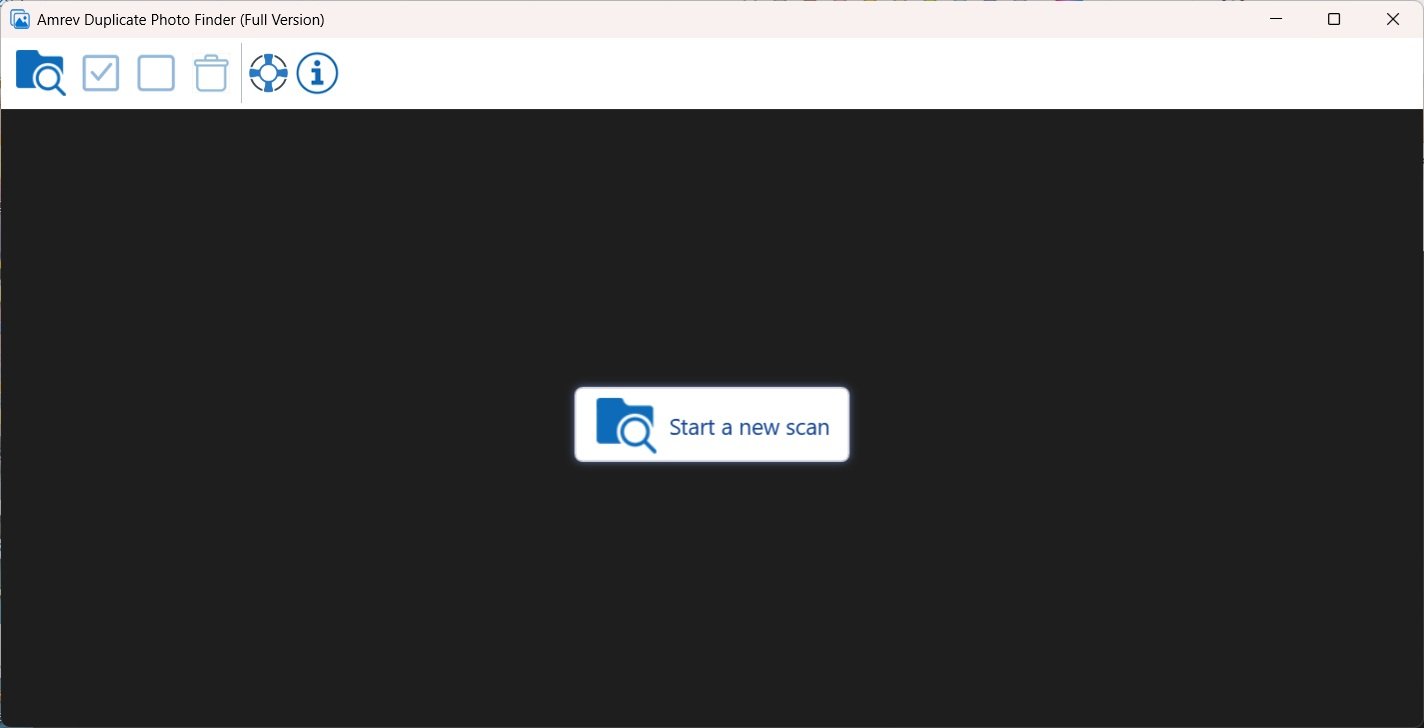
Select Location
Choose where the software should search for duplicate photos.
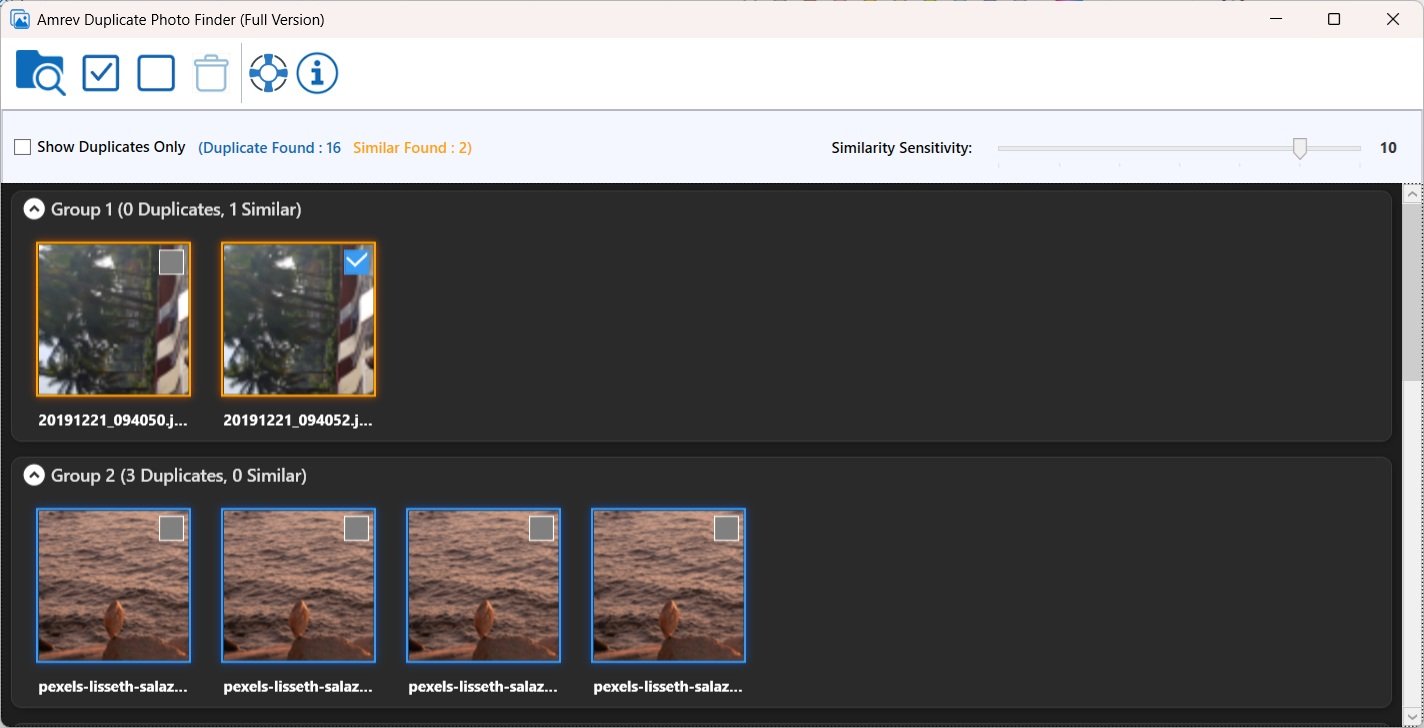
Review Results
View exact and similar duplicate matches before taking action.
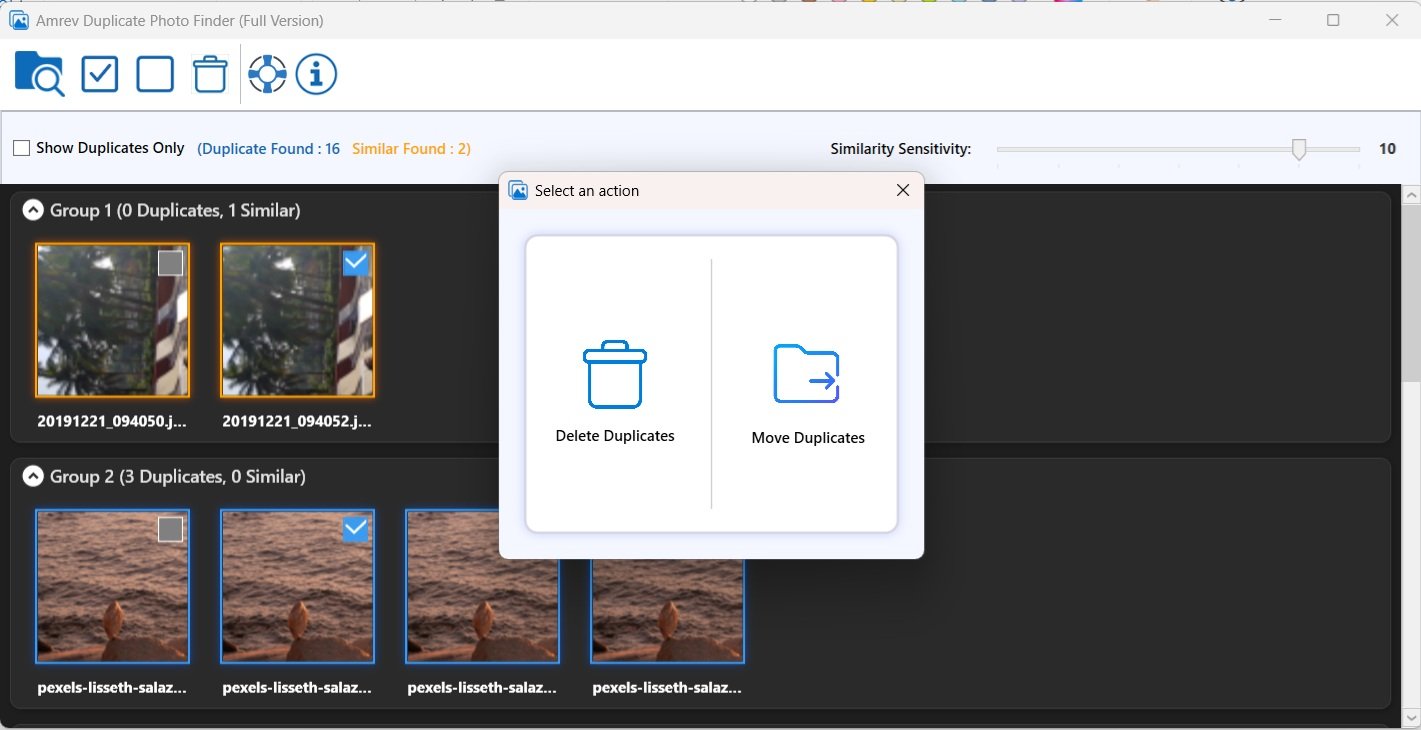
Clean Duplicates
Remove or move duplicate images to reclaim storage space.
How to Activate the Full Version
Convert your trial to full version instantly using your license key.
The trial version is identical to the full version — only the Save feature is locked. Enter your license key to unlock it instantly.
Requirements
Activation Steps
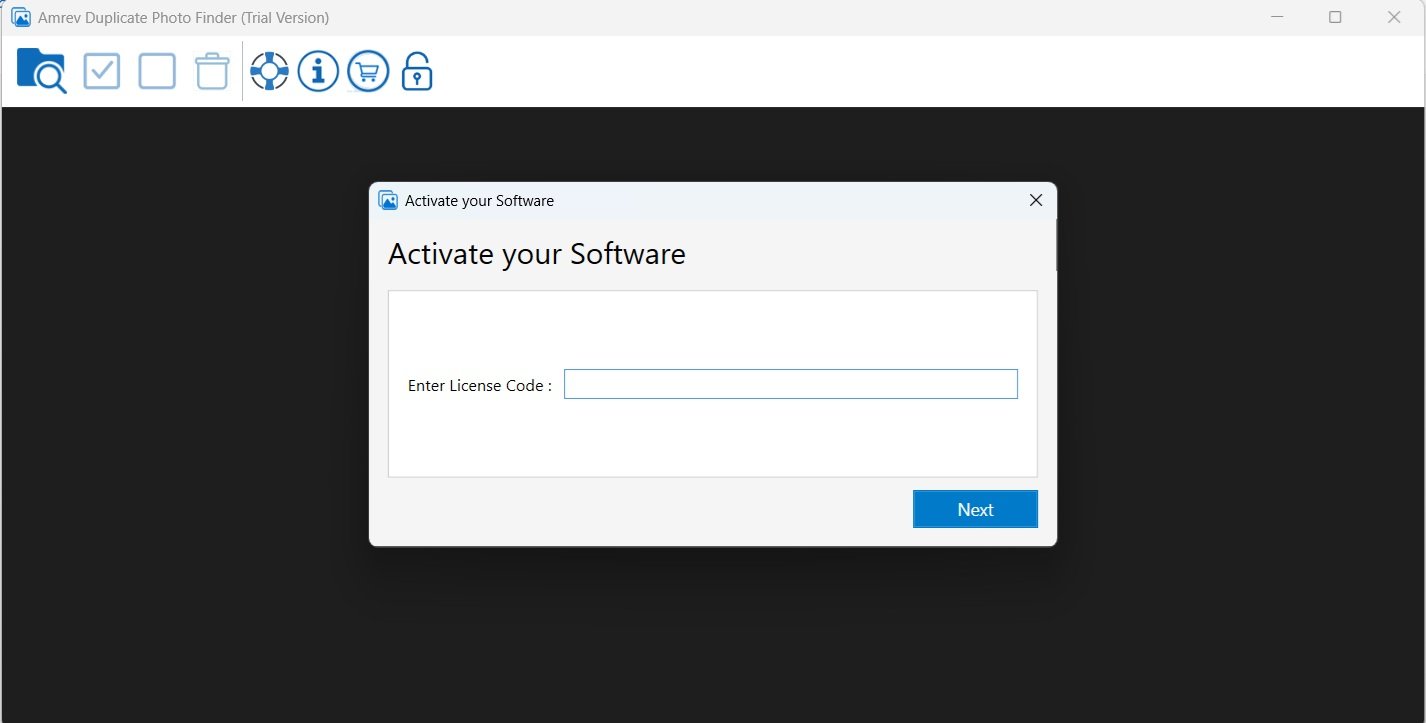
Activation completes instantly with a valid license key.
How to Find Duplicate Photos
Watch how duplicate photo cleanup works.
Frequently Asked Questions
Quick answers before you download or buy.